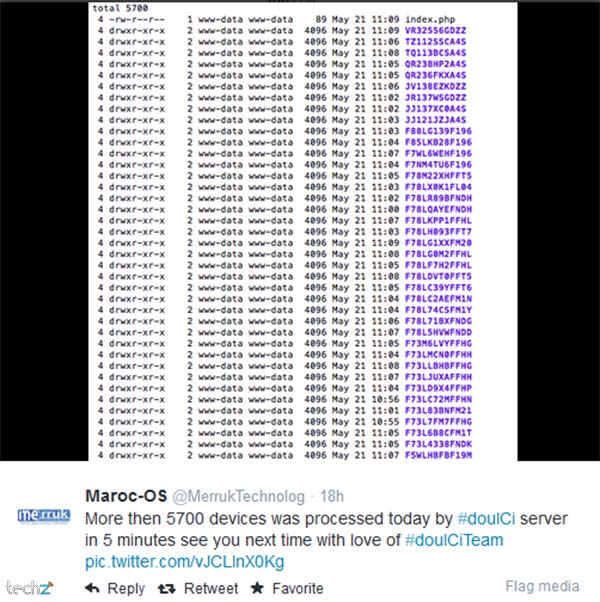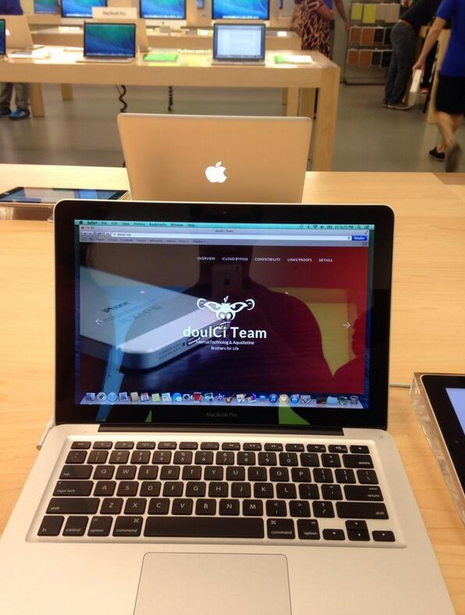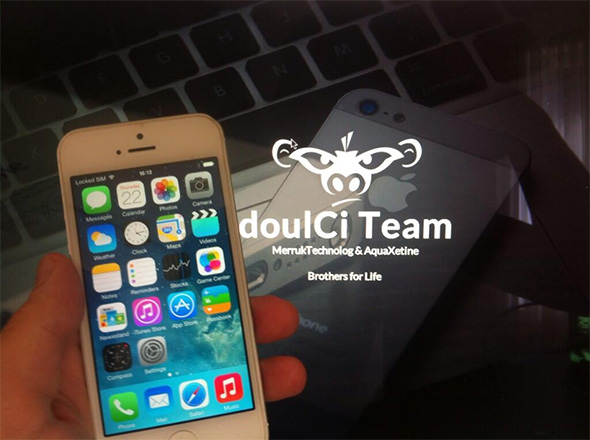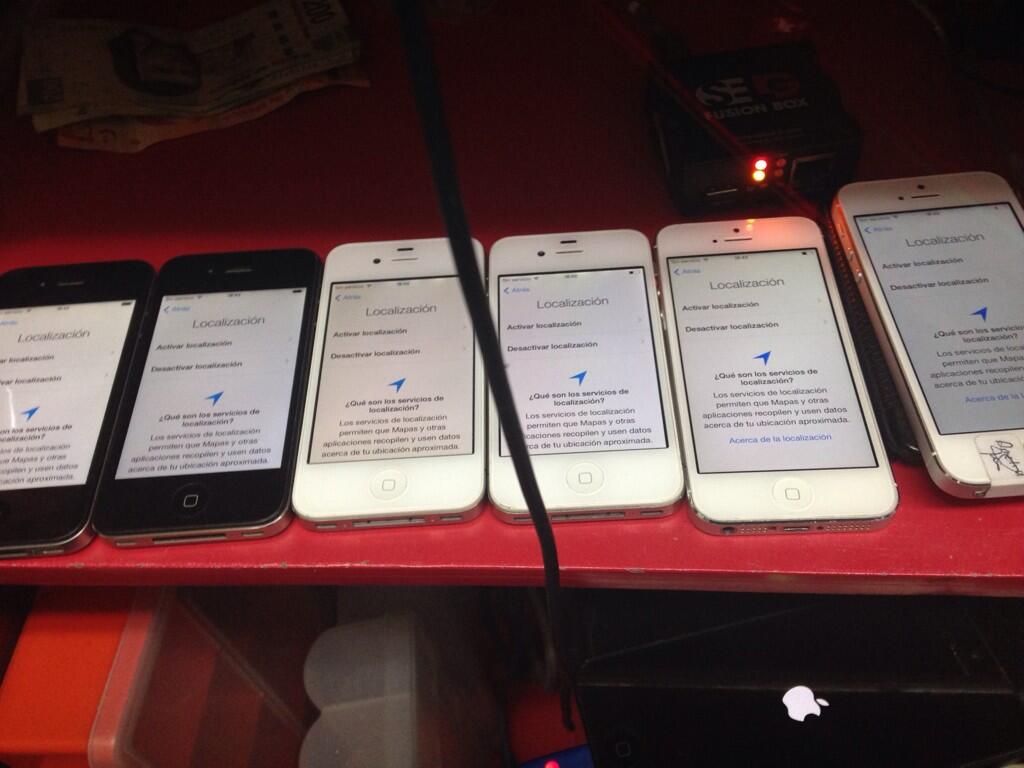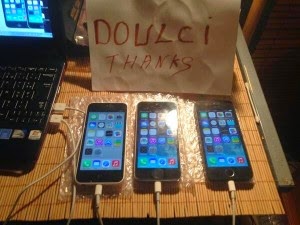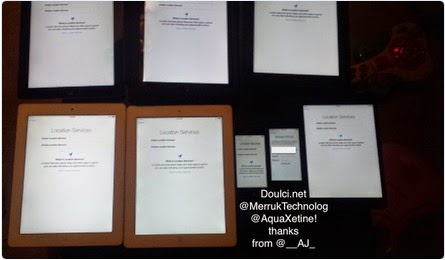
* doulCi Bypass Server source codes Cleaned, and soon in github.org, with the examples of codes you can build your own custom bypass server and know how-to activate iCloud with doulCi. Also! We are going to publish two new write up's about bypass hacks on this website.
* doulCi Activator ZIP files gotten from the web-searches is not a doulCi Team Software, we have not published any iCloud Bypass Software on the web. We just had doulCi Server with MAGIC LINE, and a video on youtube showing the software educative solution. Please Note that We are NOT RESPONSIBLE FOR ANY DAMAGES TO YOUR COMPUTERS IF YOU HAVE USED ONE OF THEM OR OTHER THINGS THEN DOULCI ICLOUD BYPASS SERVER WHEN IT WAS ONLINE. dark theme for windows 81
The greatest trick of these scam artists is not that they copy @MerrukTechnolog (Maroc-OS) / @Merruk.
But it's when they make/tell everyone else think they are not! Once patched, you can download community-made visual styles
- doulCi was built with love for people, to give them a second chance to get there iDevices working again (locally iCloud free, bypassed) for simple use, if you use iCloud we have made this project because we are thinking about you, and how we can be helpful for you and your family's safety. This amazing iCloud Hack tool called doulCi can bypass the iCloud Activation Lock and get your device working again, partially (we do not give you a bypass to forgot password for iCloud, login iCloud email, personal iCloud activation infos or how to use iCloud but we give you just a hack iCloud help with our free service to bypass it if you know how to activate iCloud with this tool), so you can get back your digital life, contacts, mail, notes, etc... Without giving you a full access to the cellular network, or a full functional device, because we are not sure that you are the real owner of this bypassed iDevice.
- doulCi bypass is built only for personal use, and conditionally for the original owners which have lost/got hacked or forgot there iCloud login informations. Please! Use it at your own risk.
Thanks for all the grateful people who we love. And because they believe in us and our free iCloud bypass service.
If you use Internet Explorer in Windows 8
Once patched, you can download community-made visual styles from trusted customization galleries like DeviantArt. Popular dark themes for Windows 8.1 include:
: Download custom dark skins from the official VLC website and apply them via the interface preferences.
Right-click on an empty space on your desktop and select .
If you use Internet Explorer in Windows 8.1, you can set it to a dark theme: Open IE, click the (Tools) > Internet Options . Go to the Colors button and uncheck "Use Windows colors." Set Text to White and Background to Black. Method 2: Customizing the Start Screen and Taskbar
Move your cursor to the bottom-right corner to open the Charms bar, then click . Click Personalize at the top of the Settings menu. Select the darkest background tile available.
Paste these files into the following directory: C:\Windows\Resources\Themes
Disclaimer: Modifying system files carries a small risk. Always create a System Restore Point before proceeding. Step 1: Patch System Files
Scroll down past the standard themes to the section. Click on High Contrast Black . Wait a few seconds for the system to apply the changes. Customizing the High Contrast Theme:
Download and install . This small utility allows Windows to recognize custom theme files. Once installed, restart your PC. Step B: Choose a Theme
Before diving into installation, consider the advantages of a dark interface:
Use Ribbon Disabler — a free, portable utility that disables the ribbon and brings back the classic toolbar. Run it as administrator, select Disable Explorer Ribbon , and click Run. Some theme creators also bundle tools like ONE (Old New Explorer) to remove the ribbon and restore the traditional Windows 7 interface.
If you primarily use the Metro/Modern Start Screen (the tile interface), you can force it to use a black background instead of your accent color.
The quickest way to get a dark system interface without downloading third-party tools is by using the High Contrast theme.
Now, here is how you can still get a dark theme on Windows 8.1.
For a comprehensive dark theme that covers both the Start Screen and the traditional Desktop, third-party tools are required.
: A theme inspired by the dark aesthetic of the Steam gaming platform. Step 3: Install the Theme Files Extract the downloaded ZIP file.
knightofkanto"Thanks from Las Vegas iPod touch 5th gen (3 including the one I'm using )"
Mr. Oak"I already told you that you're THE BEST, AMAZING, MASTER. I really thanks you"
iCloud Bypass : doulCi is the world's first alternative iCloud server, and the world's first iCloud Activation Bypass. doulCi will bypass and activate your iDevice for you when you are stuck at the activation menu.
So, why would you use it? For example, if you have forgot your iCloud email Apple ID or password, or you are no longer have access to your old iTunes email account, then its impossible to regain control of your Apple Product! no iCloud mail account will be given to you. doulCi iCloud bypass server is the only solution on the web that will enable you to regain the permanent access of your Apple iDevice and give it back to you without using the original icloud account email and password, but there is some limitation, you have no control of cellular data and no cellular network.
More Information and iCloud help will follow soon if you forgot iCloud! so stay tuned on merruk.com or doulci.com
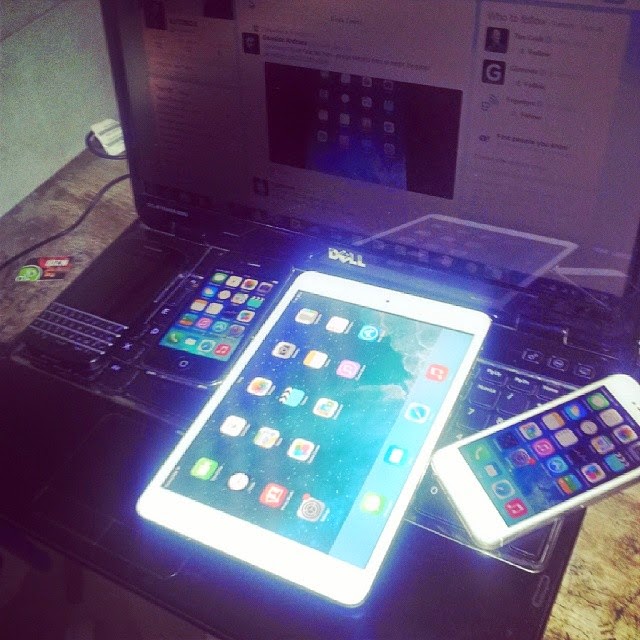
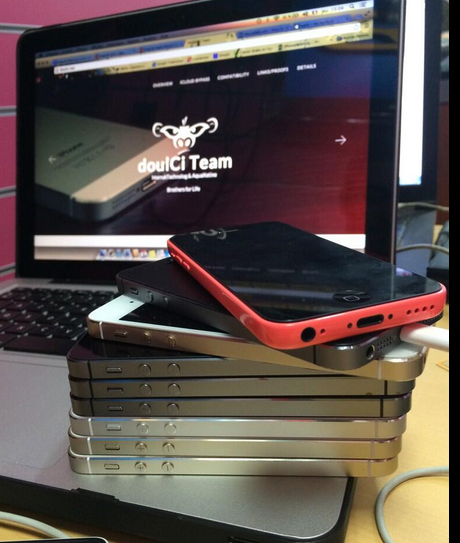
We Had Support for All Apple iDevices!
GSM iPad's and iPhone 4S, iPhone 5 (C) (C), Still In Beta Testing, and needs a SIM Card with pin active on it to bypass the activation loop state. Please follow doulCi Team members on twitter or the Official doulCi websites for daily updates.

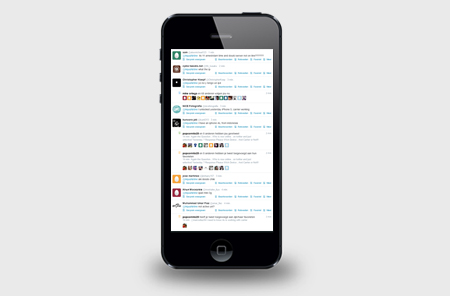
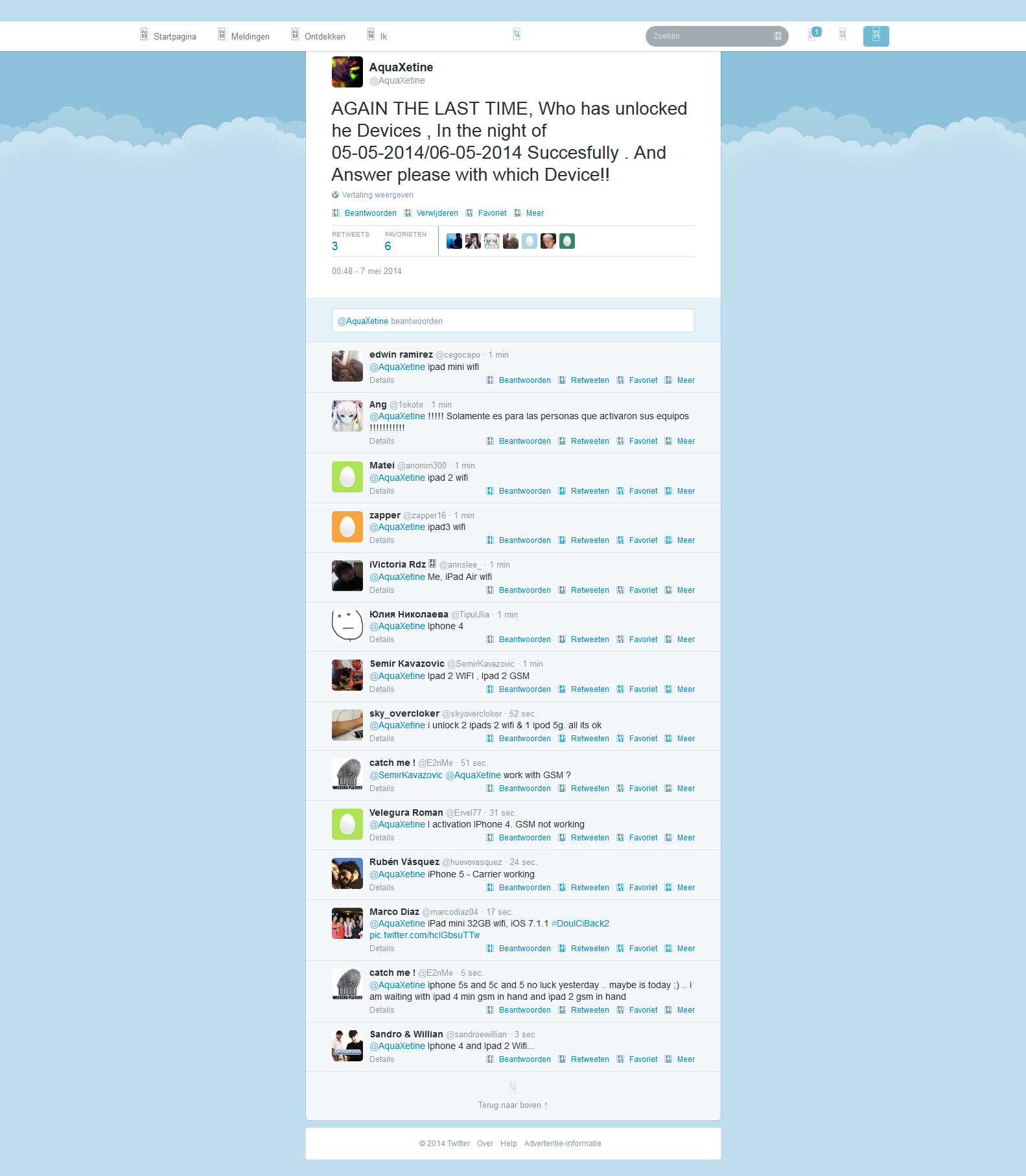
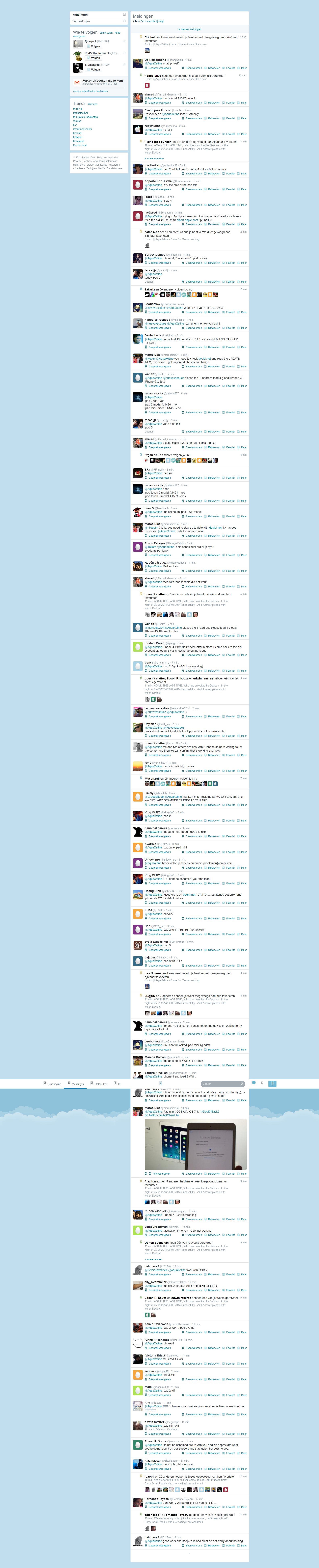
This is the first conversation that proof what gadgetwide using as server is the real and only working platform (doulCi).

Once patched, you can download community-made visual styles from trusted customization galleries like DeviantArt. Popular dark themes for Windows 8.1 include:
: Download custom dark skins from the official VLC website and apply them via the interface preferences.
Right-click on an empty space on your desktop and select .
If you use Internet Explorer in Windows 8.1, you can set it to a dark theme: Open IE, click the (Tools) > Internet Options . Go to the Colors button and uncheck "Use Windows colors." Set Text to White and Background to Black. Method 2: Customizing the Start Screen and Taskbar
Move your cursor to the bottom-right corner to open the Charms bar, then click . Click Personalize at the top of the Settings menu. Select the darkest background tile available.
Paste these files into the following directory: C:\Windows\Resources\Themes
Disclaimer: Modifying system files carries a small risk. Always create a System Restore Point before proceeding. Step 1: Patch System Files
Scroll down past the standard themes to the section. Click on High Contrast Black . Wait a few seconds for the system to apply the changes. Customizing the High Contrast Theme:
Download and install . This small utility allows Windows to recognize custom theme files. Once installed, restart your PC. Step B: Choose a Theme
Before diving into installation, consider the advantages of a dark interface:
Use Ribbon Disabler — a free, portable utility that disables the ribbon and brings back the classic toolbar. Run it as administrator, select Disable Explorer Ribbon , and click Run. Some theme creators also bundle tools like ONE (Old New Explorer) to remove the ribbon and restore the traditional Windows 7 interface.
If you primarily use the Metro/Modern Start Screen (the tile interface), you can force it to use a black background instead of your accent color.
The quickest way to get a dark system interface without downloading third-party tools is by using the High Contrast theme.
Now, here is how you can still get a dark theme on Windows 8.1.
For a comprehensive dark theme that covers both the Start Screen and the traditional Desktop, third-party tools are required.
: A theme inspired by the dark aesthetic of the Steam gaming platform. Step 3: Install the Theme Files Extract the downloaded ZIP file.

© 2014-2016 Merruk Technology, SARL. Designed by Merruk.com. All rights reserved.